
⚠️
Changing from a digital subscription to a print subscription? Make sure you add/update your shipping address after changing your subscription type!
- Login to the subscriber portal.
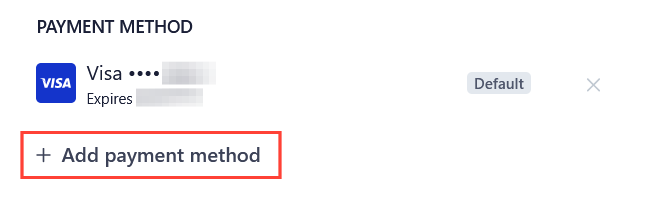
- Select add a payment method.
- Select your preferred subscription renewal frequency at the top of the menu.
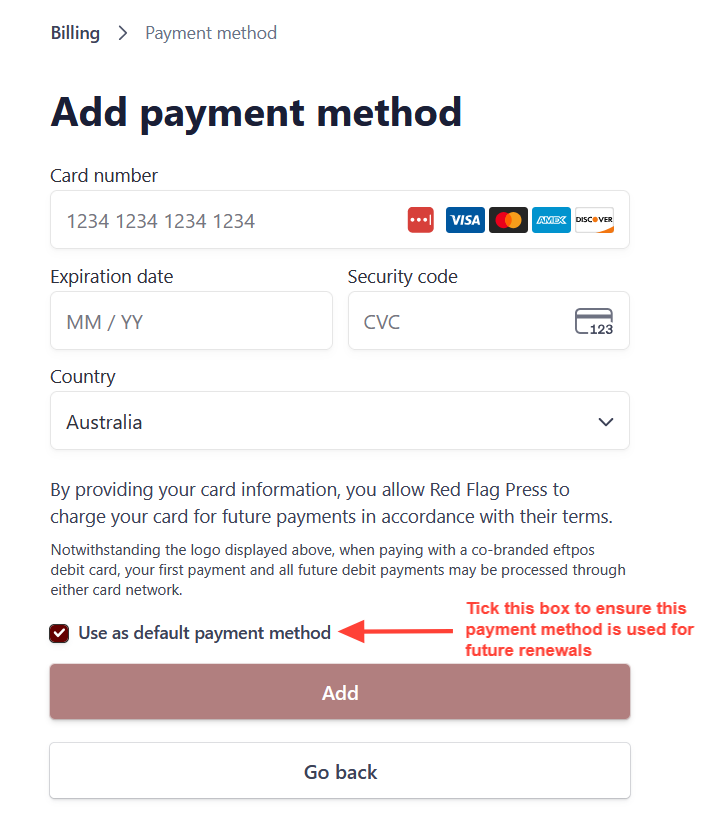
- Click the select button next to your preferred subscription type and press continue to go to the confirmation page. To ensure this payment method is used first for future renewals, tick the use as default payment box.
Need more help?
Contact us on subs@redflag.org.au or see more of our help articles.