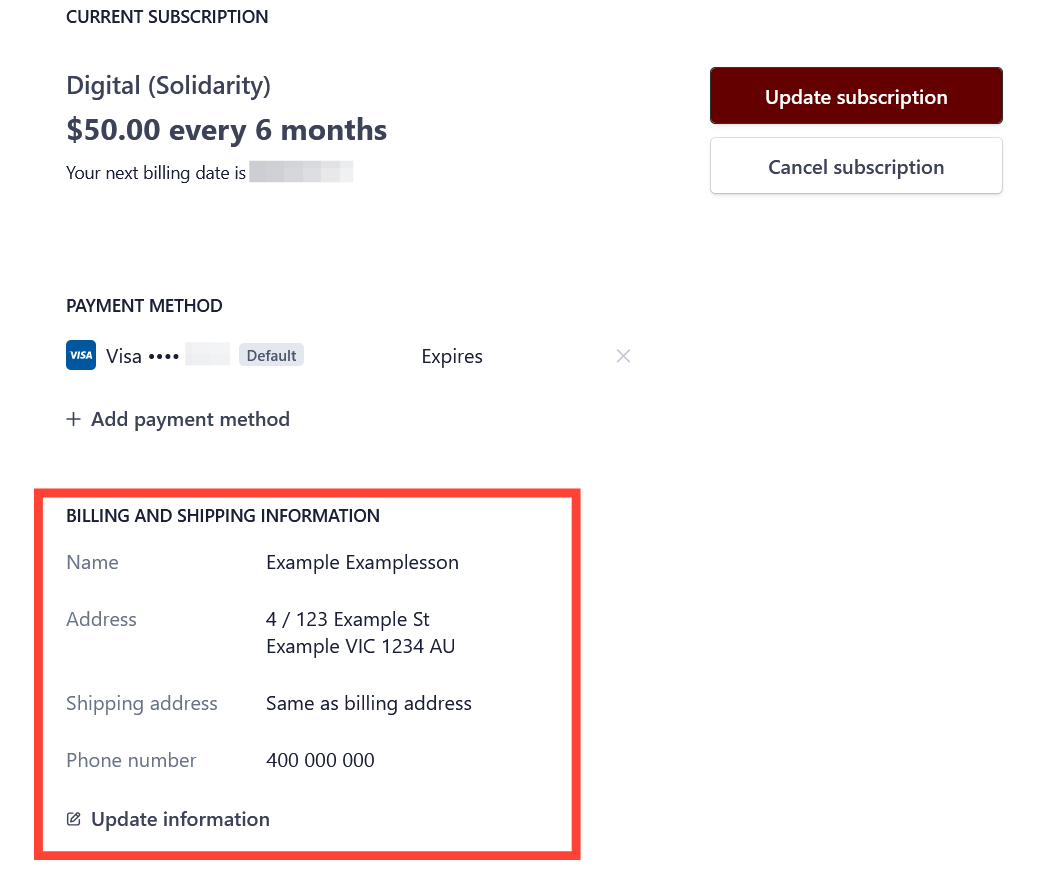
- Login to the subscriber portal.
- Scroll down to the shipping and billing information section of the subscriber portal.
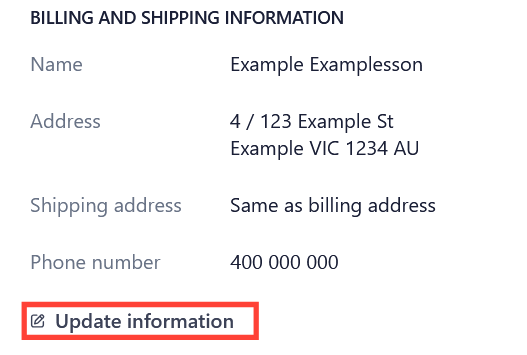
- Click update information.
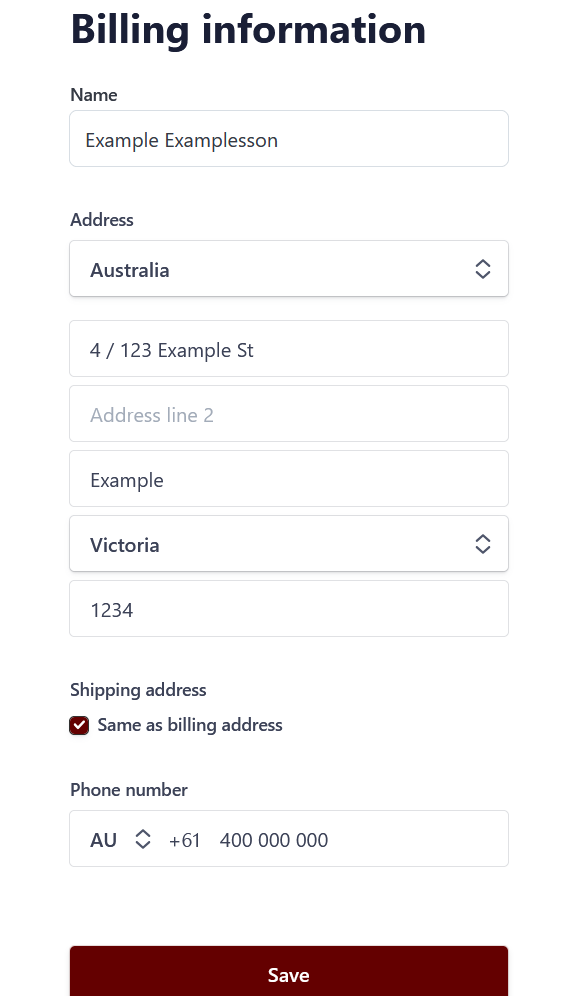
- Update the address details and press save. If billing and shipping addresses are different, untick the "same as billing address" option and add the shipping address separately.